
Guide
Intro to Ingredients
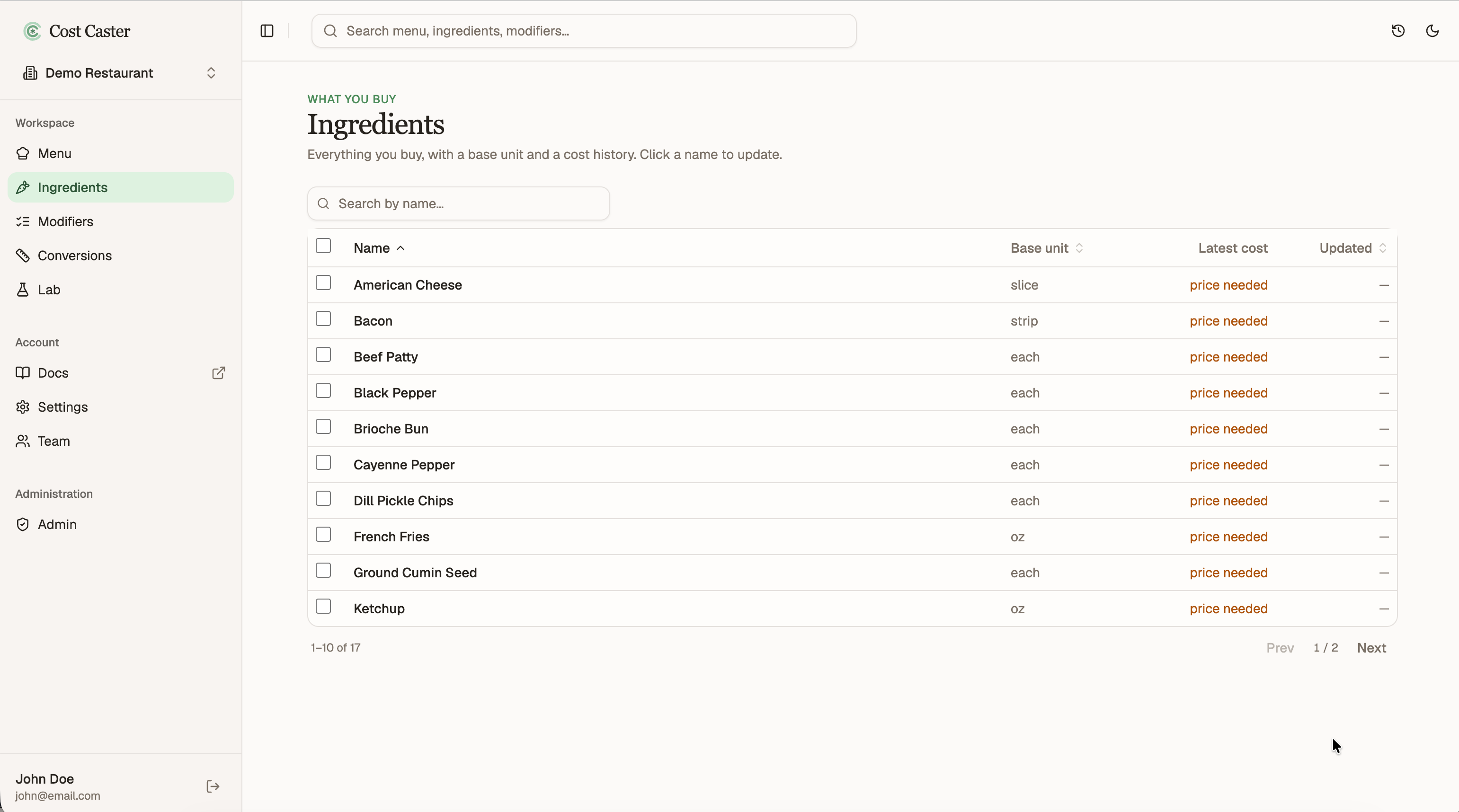
Cost Caster builds from the top down. You start with what you sell and what your cooks already know, your menu, instead of a giant spreadsheet of ingredients. As you add menu items and preps, your ingredient list builds itself in the background.
Every time you name something in a recipe, it shows up here. So by the time you open Ingredients, most of the list is already there waiting for you.
Open Ingredients from the left sidebar, where everything you referenced while building your menu is already listed. Click any ingredient to open it.
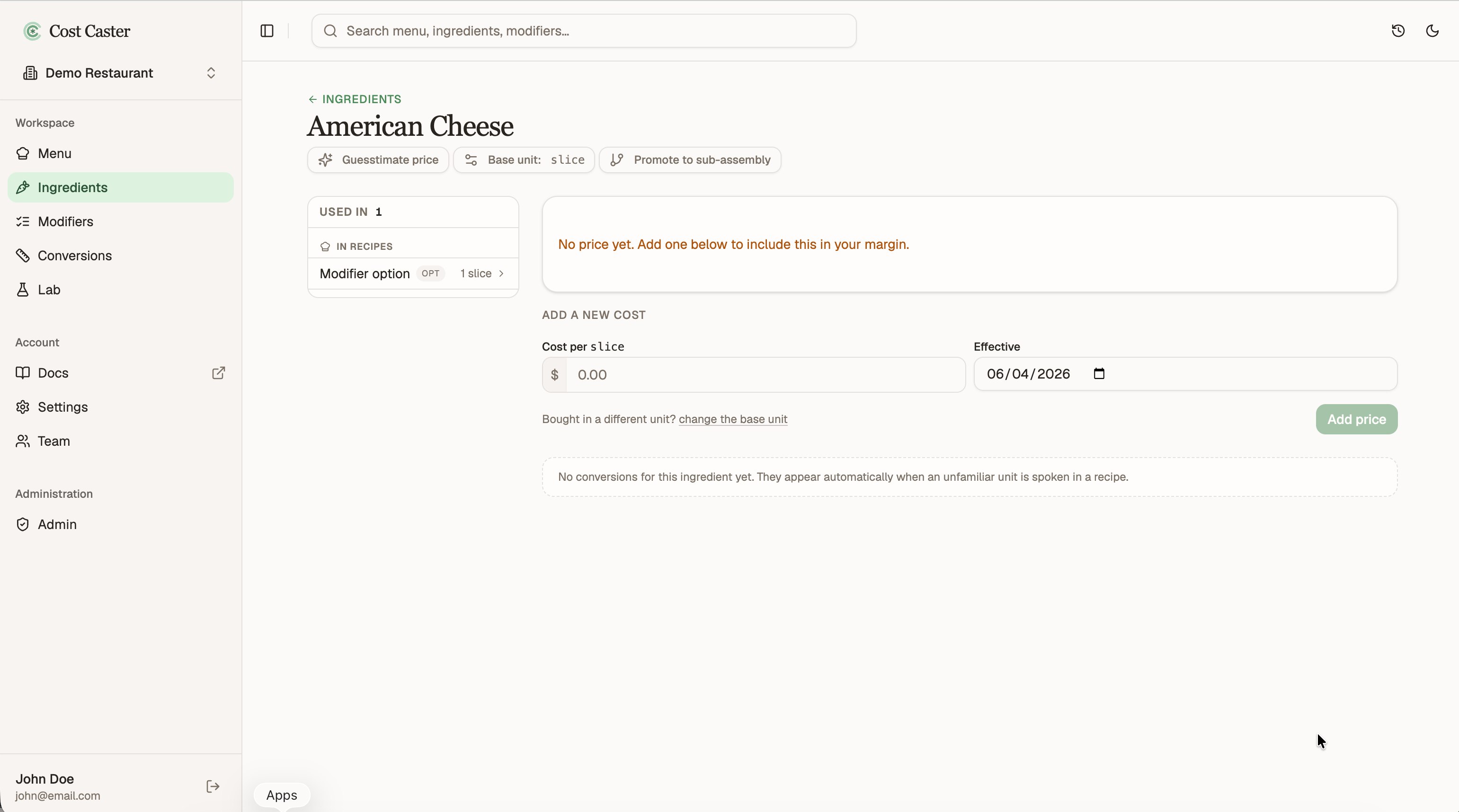
The ingredient’s detail page is where you fill in the specifics that turn a name into a real, priced ingredient: the unit you buy it in, its price, and its conversions. The rest of this guide happens here.
The units you used in recipes become each ingredient’s starting unit. That is perfect for cooking, but ingredients usually ship in pounds or kilograms. For example, we measured onion in rings for the burger, even though onions arrive by the pound.
Change the ingredient’s base unit to match how your supplier sells it. When you do, Cost Caster creates a recommended conversion for you, say rings to pounds, so your recipes and your purchasing stay in sync. Review the suggestion and adjust it if your numbers differ. Defined once here, that conversion is reused anywhere the ingredient appears.
Do not worry about getting it exactly right the first time. The unit, the conversion, and the price can all be updated at any time, and everything recalculates. Mistakes happen.
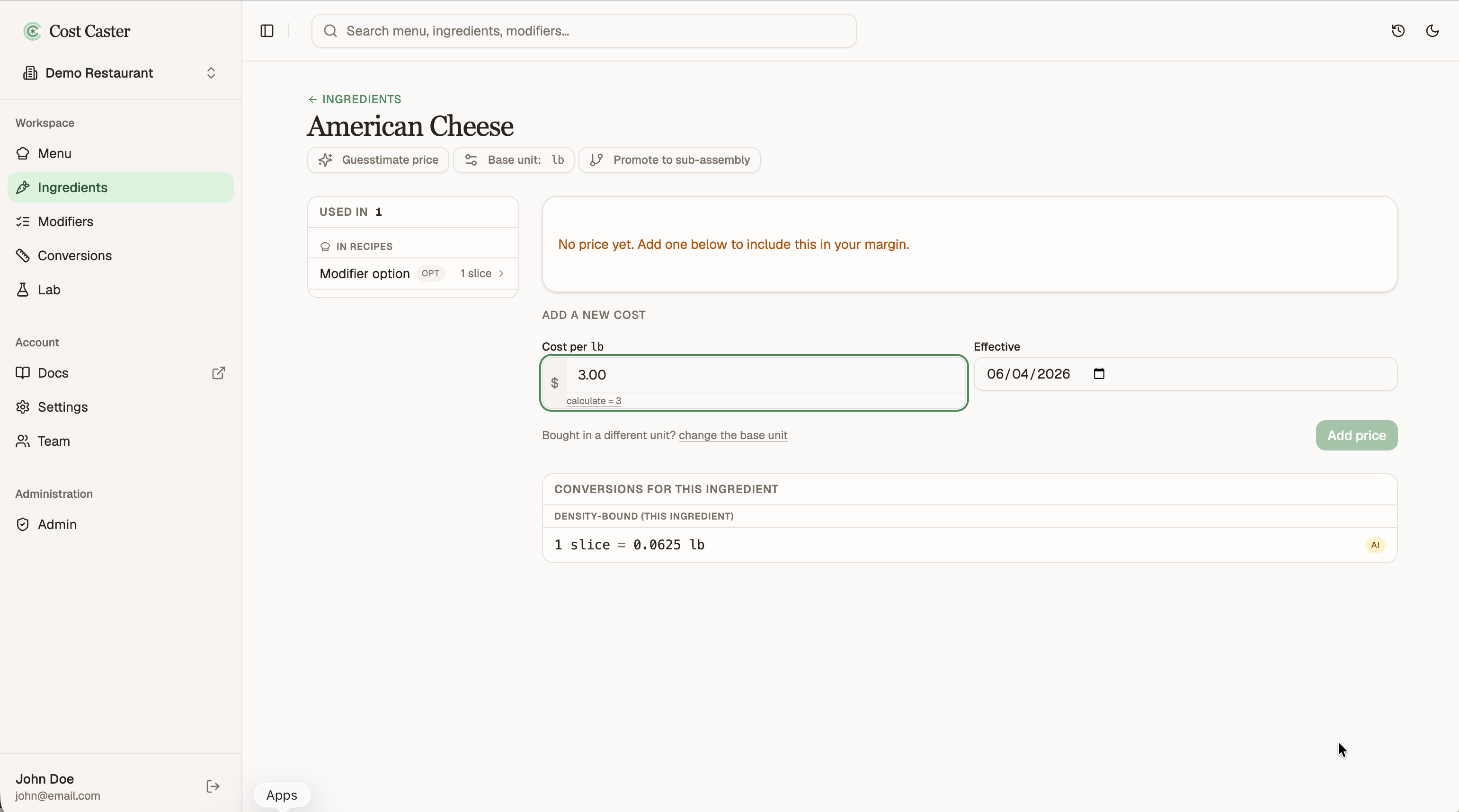
Enter what you pay for the ingredient, per its base unit, straight from an invoice or your own notes. You only enter it once: the price flows up into every menu item and prep that uses the ingredient, so a single update keeps your whole menu current.
As your menu grows, the same ingredient can show up more than once. Maybe a slightly different name in one recipe, or an exact duplicate that slipped in while building. For example, the same bread or cheese might have been entered two ways across different items.
Consolidate them into a single ingredient so there is one price and one source of truth. Every recipe that pointed at a duplicate is moved to the ingredient you keep, automatically.
Do not have a price in front of you? Use the Guesstimator. Rather than leaving an ingredient blank, it estimates a price from current industry market pricing, so you get a realistic number now and can keep building without stopping to dig up every invoice.
When the real figure arrives, enter it on the ingredient and everything that uses it updates at once.