
Guide
Add Your First Menu Item
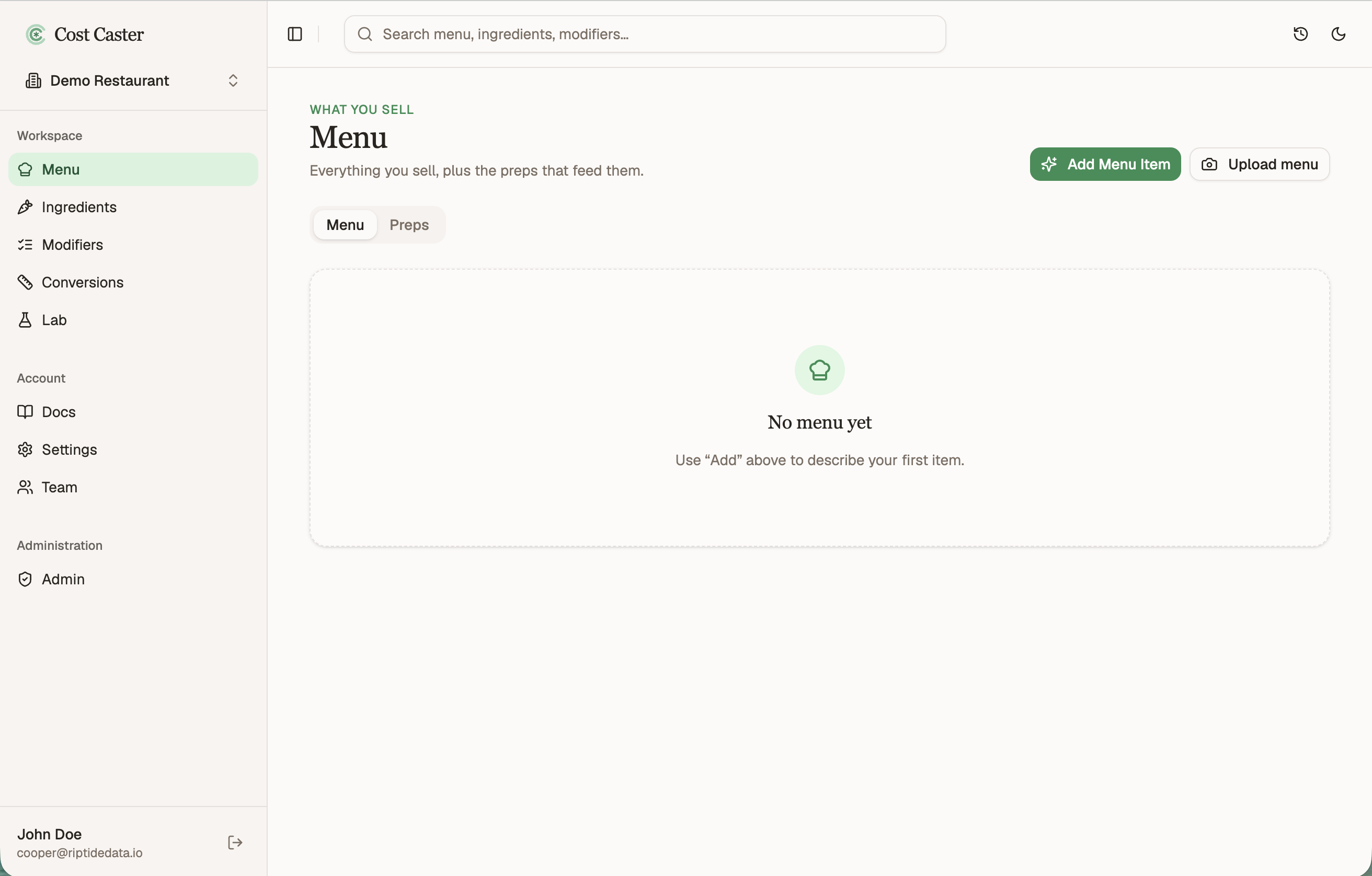
Start on the Menu. This is everything you sell, all in one place.
Open it from Menu in the left sidebar. If this is a fresh workspace the list will be empty, and that is exactly what we are about to fix.
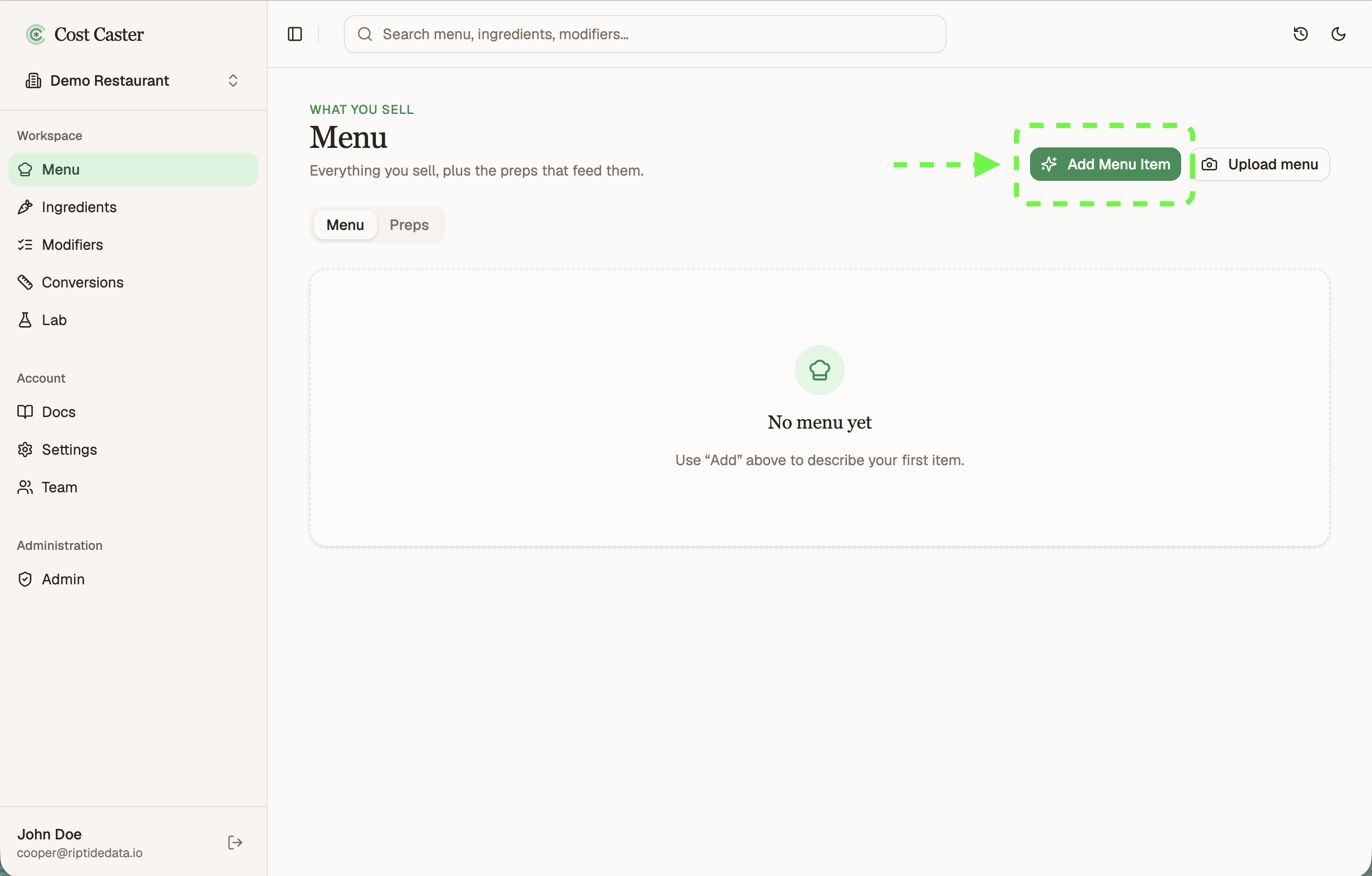
Click Add in the top right. You land in a short conversation where you describe the dish in your own words, and Cost Caster turns it into a structured recipe.
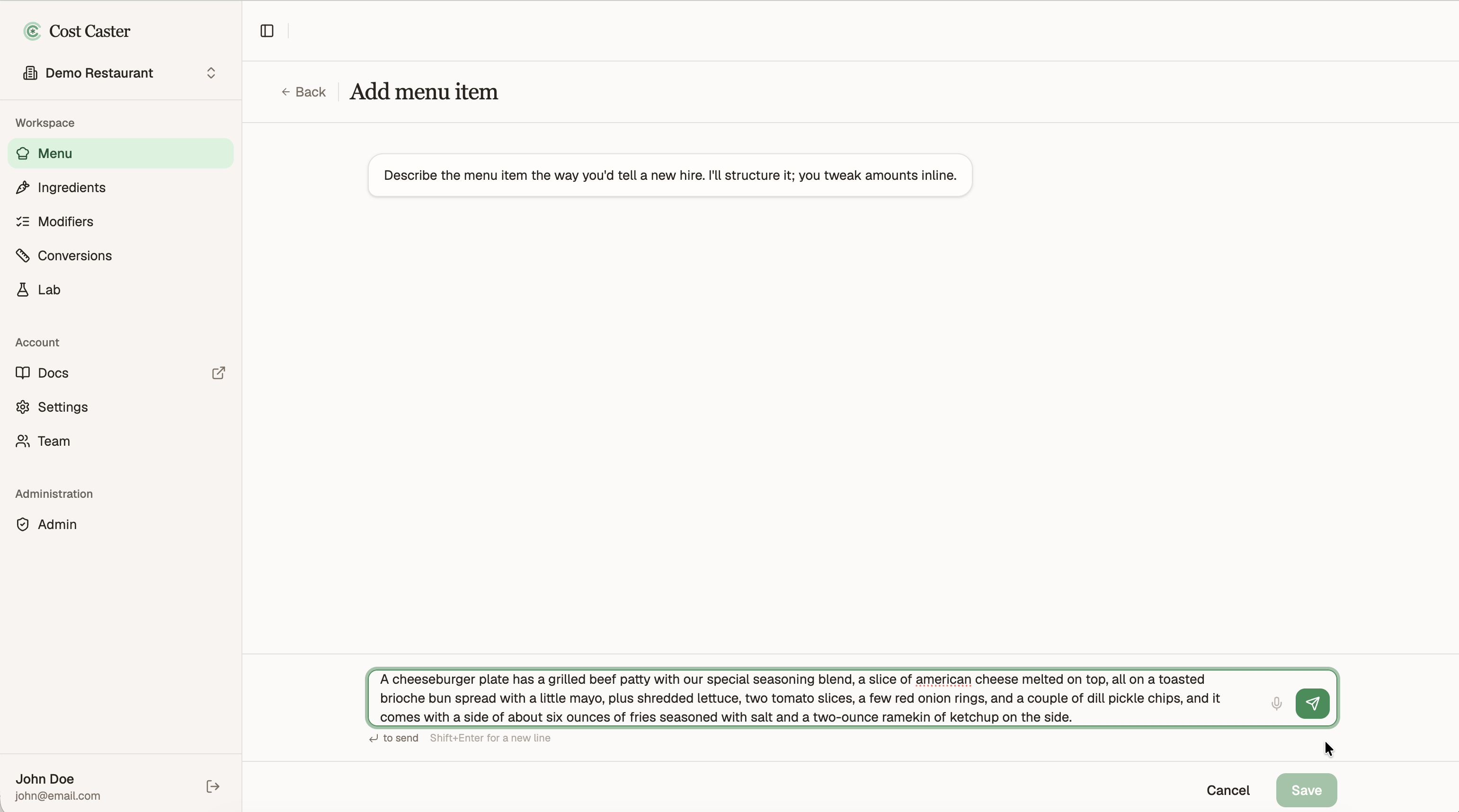
Type a plain description of the dish and send it. You do not need exact measurements yet, a normal recipe sentence is plenty.
For example:
A cheeseburger plate has a grilled beef patty with our special seasoning blend, a slice of american cheese melted on top, all on a toasted brioche bun spread with a little mayo, plus shredded lettuce, two tomato slices, a few red onion rings, and a couple of dill pickle chips, and it comes with a side of about six ounces of fries seasoned with salt and a two-ounce ramekin of ketchup on the side.
Cost Caster reads that and proposes the ingredients, quantities, and units for you.
You will see the proposal take shape: each line, and how much of it the recipe uses.
Some fields show up as amber boxes. These represent units and/or quantities that could not be determined from your description, so you will fill them in on the next step.
Cost Caster also sorts the recipe into a few building blocks, each with its own purpose:
- Ingredients are the raw items you source from your suppliers (the cheese, the bun, the pickles).
- Sub-assemblies (preps) are common components you make in house and reuse across the menu, like prepared proteins (burger patties, fish fillets, fried shrimp). Build the prep once and drop it into every item that uses it.
- Modifiers are choices you give the customer, such as side dishes, condiments, or the syrups in a coffee.
- Options are the individual choices inside a modifier (each side, or each syrup flavor).
Read through it and check three things:
- The ingredients match what you actually use.
- The quantities and units look right.
- Nothing is missing from the recipe.
Cost Caster gets pretty close, but it will not always be perfect. Shape the proposal into your real recipe right in the inline editor, adjusting lines as needed. You can also use the conversation box to make updates in plain language, whichever is faster for the change in front of you.
Fill in or correct amounts and units. Amber boxes mark the units and quantities Cost Caster could not pin down from your description. Fill those in, and fix any amounts it inferred that are not quite right, and the recipe updates as you go.
Units can be anything, and they do not have to be standard measures. This is part of the magic of Cost Caster. There is no need to figure out the ounces of onion. If you think in rings, just write rings. Later, on the onion ingredient itself, you set up a conversion once, say pounds of onion to rings, then reuse that unit anywhere and Cost Caster handles the conversion for you. Kitchens rarely know the amount of everything in grams, so you can work in rings, knobs, pinches, handfuls, or cups of chopped produce, and enter it exactly that way.
Remove and add to move a line. Cost Caster places each line where it thinks it fits, but it does not always land in the right spot. Here it assumed the mayonnaise was part of the bun prep, when really it belongs to the cheeseburger itself. Remove the mayonnaise from the bun, then add it to the cheeseburger assembly, so the structure matches how you actually build the dish.
Convert an ingredient into a sub-assembly. Sometimes a line is really something you make in house. Here the house seasoning came in as a plain ingredient, but we prep it ourselves. Click the branch () icon next to it to turn it into a sub-assembly, or prep, with its own recipe, built up from its own components.
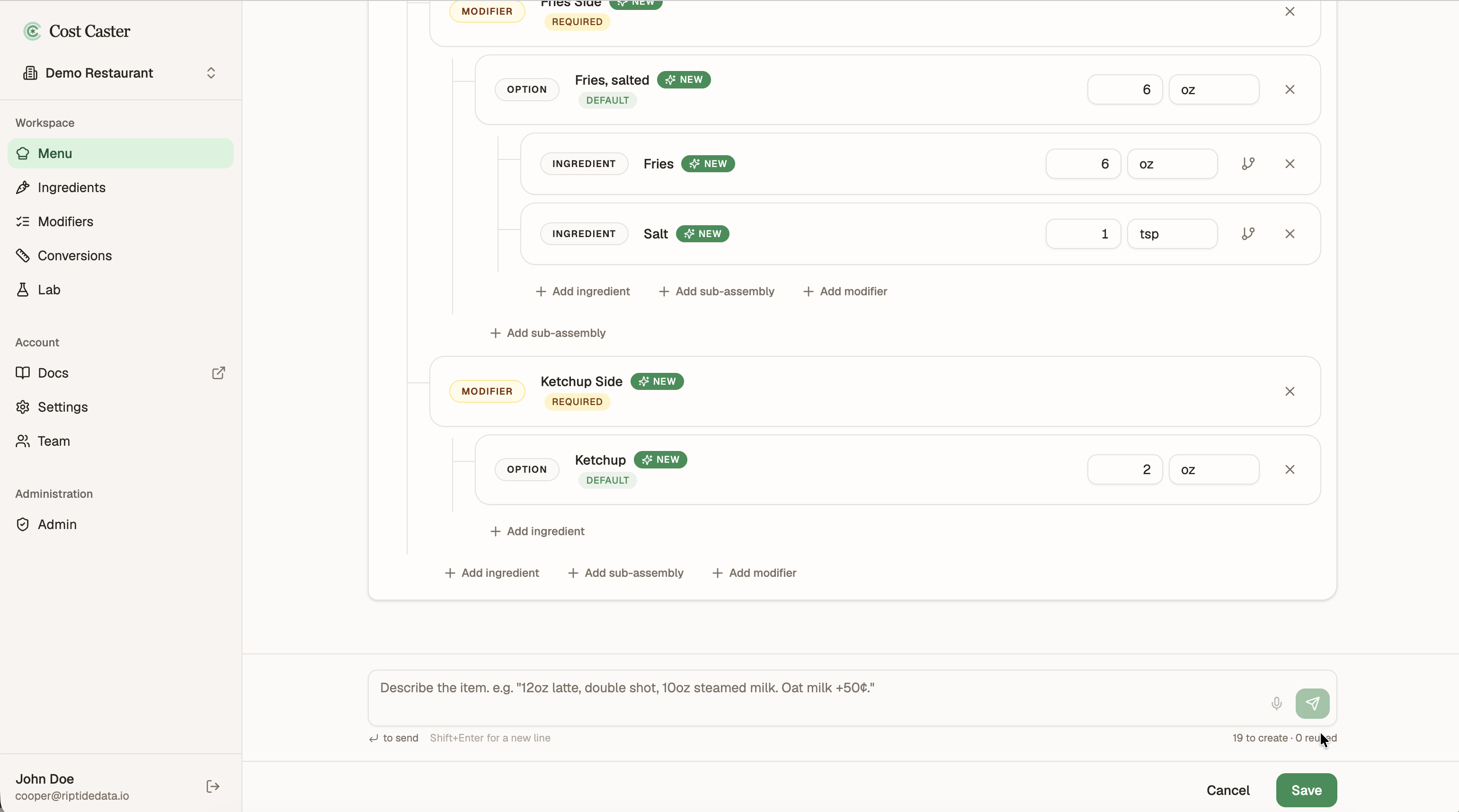
Once the recipe looks right, save it. The item joins your Menu and opens its detail page.
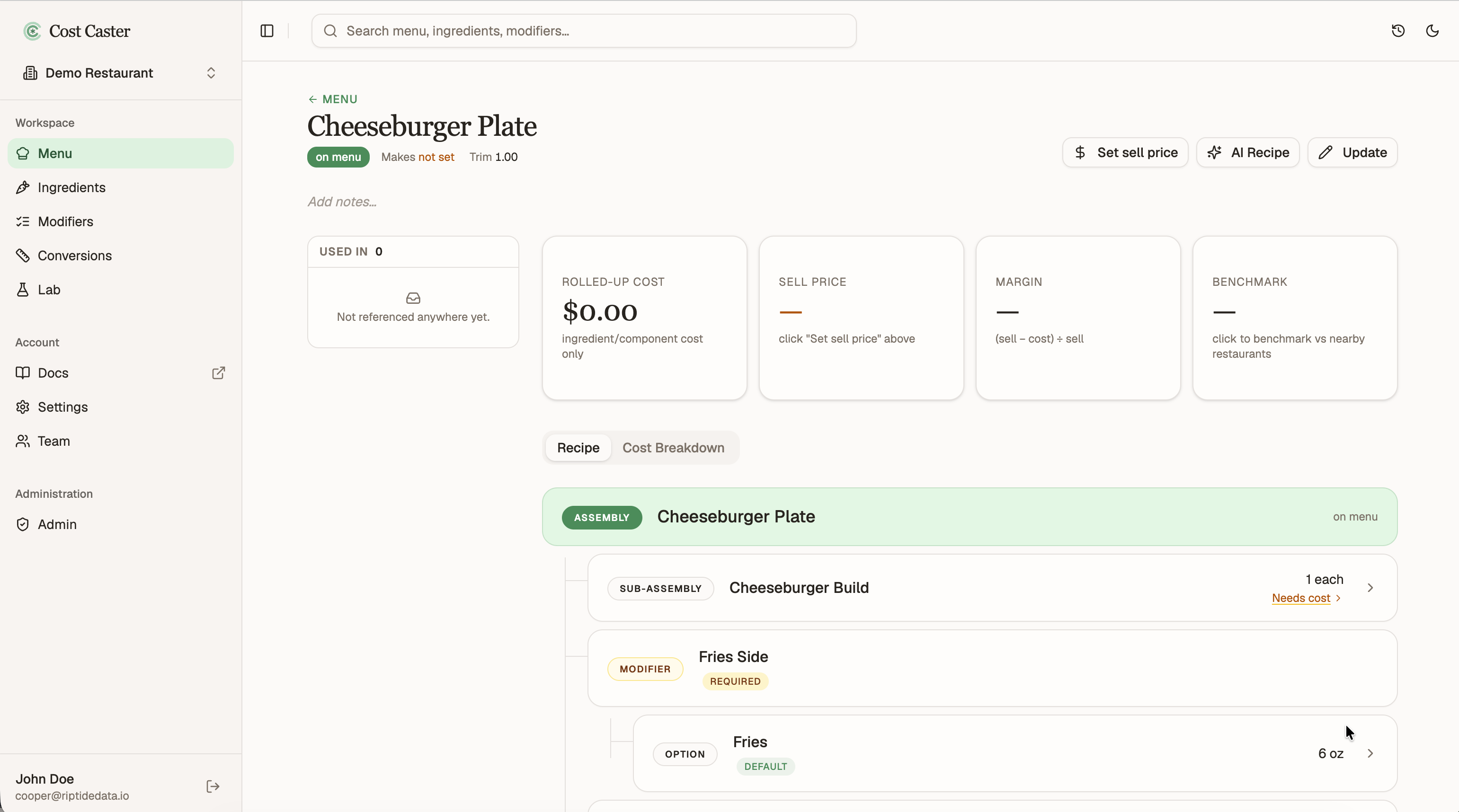
Saving opens the item’s detail page, where everything about this item comes together.
That is your first menu item built. We will come back to this page later to set the sale price, and to work through costing all the ingredients and sub-assemblies that build up the cost.